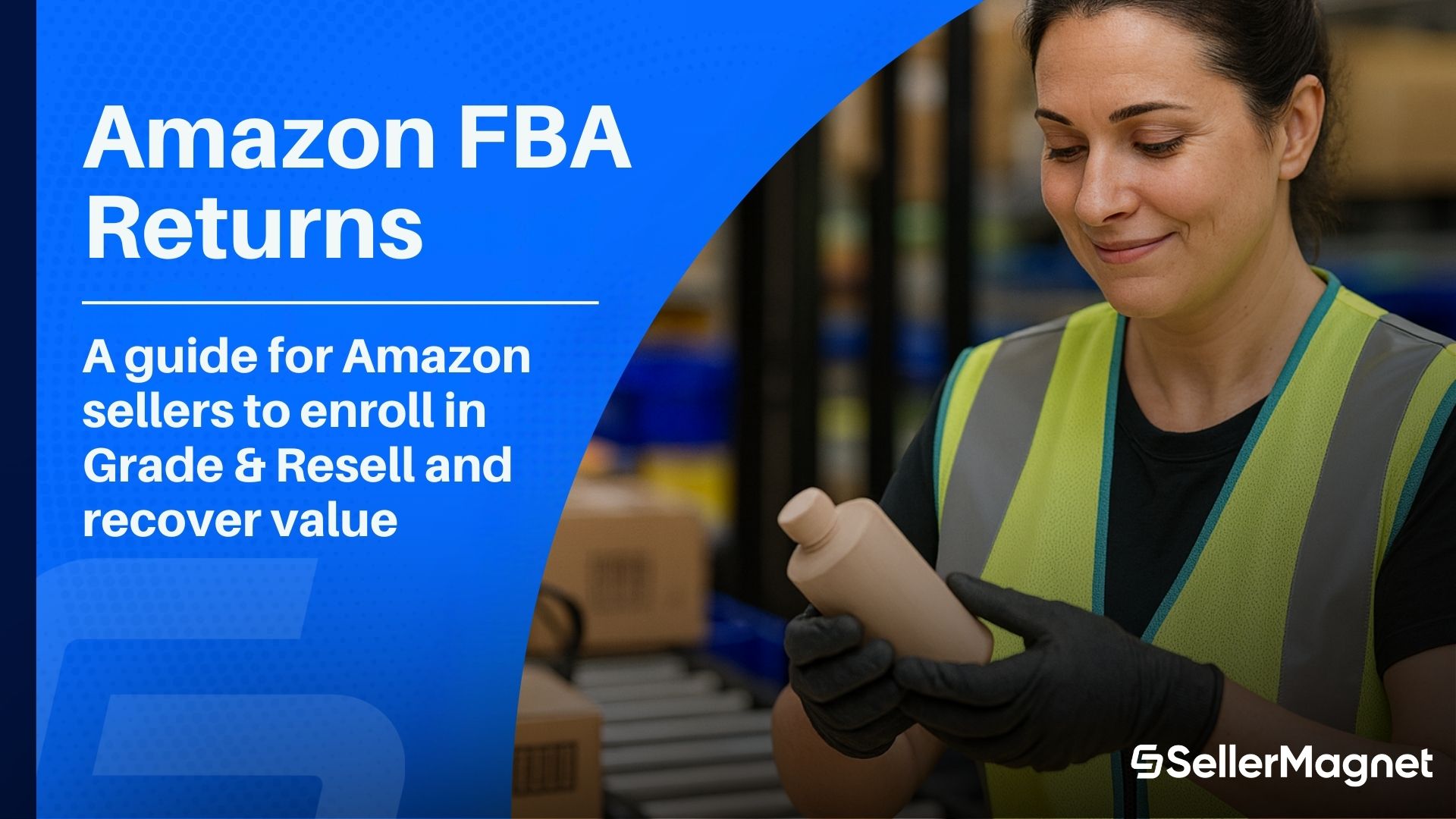
Give Returns a Second Life with FBA Grade & Resell
Table of Contents
- What FBA Grade & Resell actually is
- How it works step-by-step
- When to use it vs other return paths
- Pricing, grading, and listing quality
- Operational tips, risks, and compliance
- Apply, monitor results, and scale
What FBA Grade & Resell actually is
How it works step-by-step
- Enroll your account in Grade & Resell (Seller Central).
- Amazon inspects eligible FBA returns: verifications include item matching, packaging, signs of use, and functional checks.
- Item is graded (Like New / Very Good / Good / Acceptable) and re-listed as used with a clear condition note to buyers.
- You recover revenue when the item sells; operationally, your workflows stay mostly hands-off.

When to use it vs other return paths
Comparison: Grade & Resell vs Alternatives
| Option | Best For | Pros | Cons | Typical Outcome |
|---|---|---|---|---|
| FBA Grade & Resell | Eligible, functional returns with ongoing demand | Automated inspections, clear used grading, marketplace visibility | Not all categories/SKUs eligible; used pricing needed | Value recovery within Amazon with minimal ops |
| Removal Orders (Return to Seller) | Brand-sensitive goods, accessories bundles, local refurb | Full control for repair/parts; re-kit bundles | Labor/logistics on you; slower cash conversion | Resell via Amazon (new/used) or other channels |
| Liquidation | Low-velocity items; overstock + returns | One-shot cash, clears space | Deep discounts; less brand control | Fast but lower recovery |
| Dispose/Recycle | Unsafe, unsellable, or non-compliant items | Compliance; avoids negative CX | No revenue; fees | Loss mitigation only |

Pricing, grading, and listing quality
A. Grading and buyer trust
- Amazon communicates the used condition grade plus a specific condition note highlighting imperfections and packaging. This transparency materially reduces A-to-Z friction.
- For premiums (electronics, pro tools), “Like New” and “Very Good” can support stronger recovery; “Good”/“Acceptable” works for commodity replenishable items.
B. Pricing the used offer
- Anchor to current Buy Box and brand-new ASP, then discount according to grade + demand.
- Watch historical return reasons (e.g., “not as described”) and adjust content accordingly.
C. Listing quality (what to fix now)
- Tighten titles, images, and bullets to reduce buyer mismatch.
- Consider short usage disclaimers in bullets for known quirks (e.g., “may arrive in opened manufacturer packaging” for used).
- Align with Amazon’s Condition Guidelines to avoid mis-grading disputes—read our breakdown on navigating Amazon condition guidelines.
Operational tips, risks, and compliance
- SKU-level strategy: Enable Grade & Resell for SKUs with strong used demand and low accessory complexity; exclude fragile or highly regulated SKUs.
- Accessory mapping: Keep a checklist of “must-include” parts per ASIN; missing parts should push the item to “Good/Acceptable” pricing or to Removal.
- Returns analytics: Track return reasons, sell-through by grade, and delta vs new ASP.
- Policy awareness: Review the 2025 FBA refund changes to understand how customer refunds interact with your return flows and fees (see our explainer on the Amazon FBA refund policy 2025 change).
- Inspects and tests returned units, confirms item/packaging alignment, flags signs of use, assigns grade, and adds a condition note visible to buyers.
- Promotes pre-owned inventory as a sustainable option to capture value you’d otherwise lose.
Apply, monitor results, and scale
How to apply for Amazon FBA Grade & Resell
- Enroll in Grade & Resell via the official Seller Central help page (US). Amazon’s guide covers eligibility, grading logic, and rollout details: Get started with Grade & Resell.
- Once enrolled, eligible FBA returns are inspected, graded, and re-listed with condition notes—no extra handling on your side.
What to do with Amazon FBA returns (playbook)
- Default to Grade & Resell for the majority of functional returns.
- Route exceptions (missing critical parts, safety concerns) to Removal or Dispose/Recycle.
- Tighten PDP content—images, video, and “what’s in the box”—to reduce future returns and protect margins. See: why adding videos to your listing improves clarity and conversions.
- Monitor policy updates to fees/refunds to avoid unpleasant surprises: Amazon FBA refund policy 2025 change.
Measure, learn, and scale with SellerMagnet
Clear CTA
Stop Juggling Tools. SellerMagnet Combines Everything You Need.
Join a smarter way to manage your Amazon store.

Recommended Articles
Supply Chain by Amazon: Three Dates Decide Your Q4
Supply Chain by Amazon bundles nine services, but only one of them changes what Q4 costs. AWD carries three deadlines inside the next three weeks.
Pan-European FBA Now Needs a Netherlands Offer
Since 3 September 2026 every Pan-European FBA product needs an active Netherlands offer, and Belgium follows in February 2027. Neither can hold your placement minimum.
Selling on Amazon Haul Means Giving Up Your Brand Name
Amazon Haul is invite-only, capped at $20, and every product must be listed under the brand name Generic. What that actually means for a catalogue.
De Minimis Is Gone for Good: What US Imports Cost Now
Two CBP rules on 24 June 2026 made the de minimis suspension indefinite, for every country and every mode. What sellers file now, and what Amazon still refuses to do.
Amazon SIPP in 2026: The $1.32 Discount Is Gone
From 15 January 2026 Amazon deprecates the bulky SIPP discount and charges $1.51 to $4.04 to package non-enrolled bulky units. Amazon's own examples show who pays more.
Amazon Warehousing and Distribution Is Live in Europe
AWD launched in five European stores on 20 August 2026. The rate card, the 10% discount conditions, and the Pan-EU gate the announcement never mentions.