Amazon Chargebacks: What They Are, How to Respond, and How to Reduce Them
Table of Contents
- What a chargeback is (vs refund and A-to-z)
- Chargebacks on Amazon: fraud vs service and ODR impact
- Where to see and manage chargebacks in Seller Central
- How to respond: evidence, timelines, avoidable mistakes
- Prevention playbook: PDP clarity, shipping, customer care
- Advanced playbooks: reason codes, timelines, root-cause review
- FAQ (seller-POV, quick answers)
What a chargeback is (vs refund and A-to-z)
- Transaction not recognized or suspected fraud
- Product not received
- Item not as described; defective or damaged
- Duplicate or incorrect billing
- Return sent but refund missing
- Partial shipment or wrong variant received
Chargeback vs Refund vs A-to-z (seller comparison)
| Topic | Chargeback | Refund | A-to-z Guarantee |
|---|---|---|---|
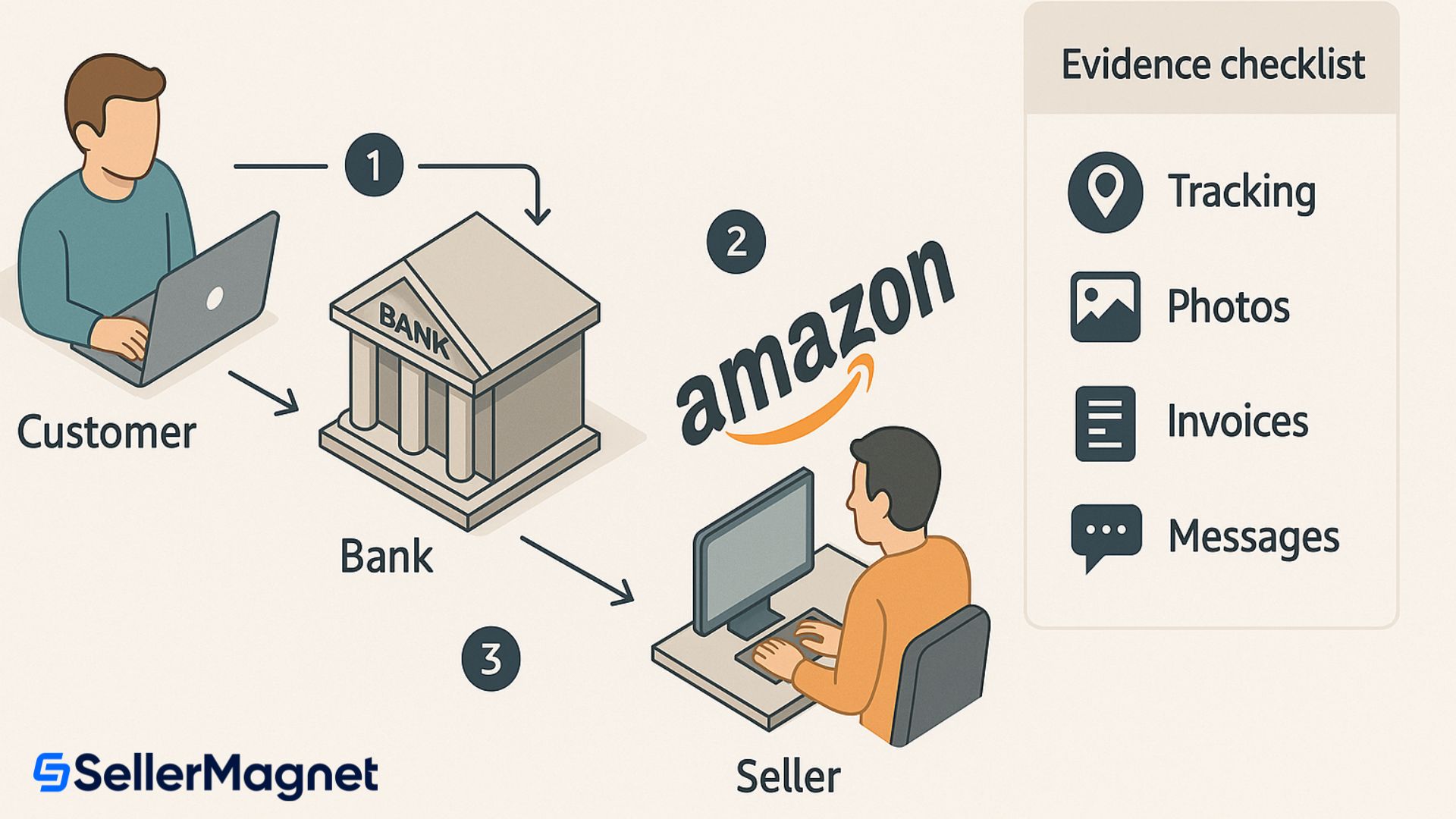
| Who initiates | Customer → Bank | Customer ↔ Seller | Customer → Amazon |
| Who decides | Bank | Seller | Amazon |
| Money flow | Provisional credit to buyer; potential seller debit | Seller issues refund | Depends on case outcome |
| ODR impact | Yes if service-related (seller-fulfilled) | No direct | Yes if not denied |
| Speed & control | Slow; low control | Fast; high control | Medium; Amazon-managed |
| Best used when | Buyer escalates or fraud suspected | Clear service failure | Seller hasn’t resolved via policy |
Chargebacks on Amazon: fraud vs service and ODR impact
- Fraud-related (for example, stolen card). Amazon handles payment-related fraud and these disputes do not count against your ODR. You may still see accounting movements, but Account Health is not penalized for bank-confirmed fraud.
- Service-related (for example, item not received, not as described, damaged). Sellers are responsible. For seller-fulfilled orders, if the bank sides with the buyer, it counts toward ODR. For FBA, Amazon handles fulfillment and related customer service, so shipping performance metrics are not impacted by those orders.
Where to see and manage chargebacks in Seller Central
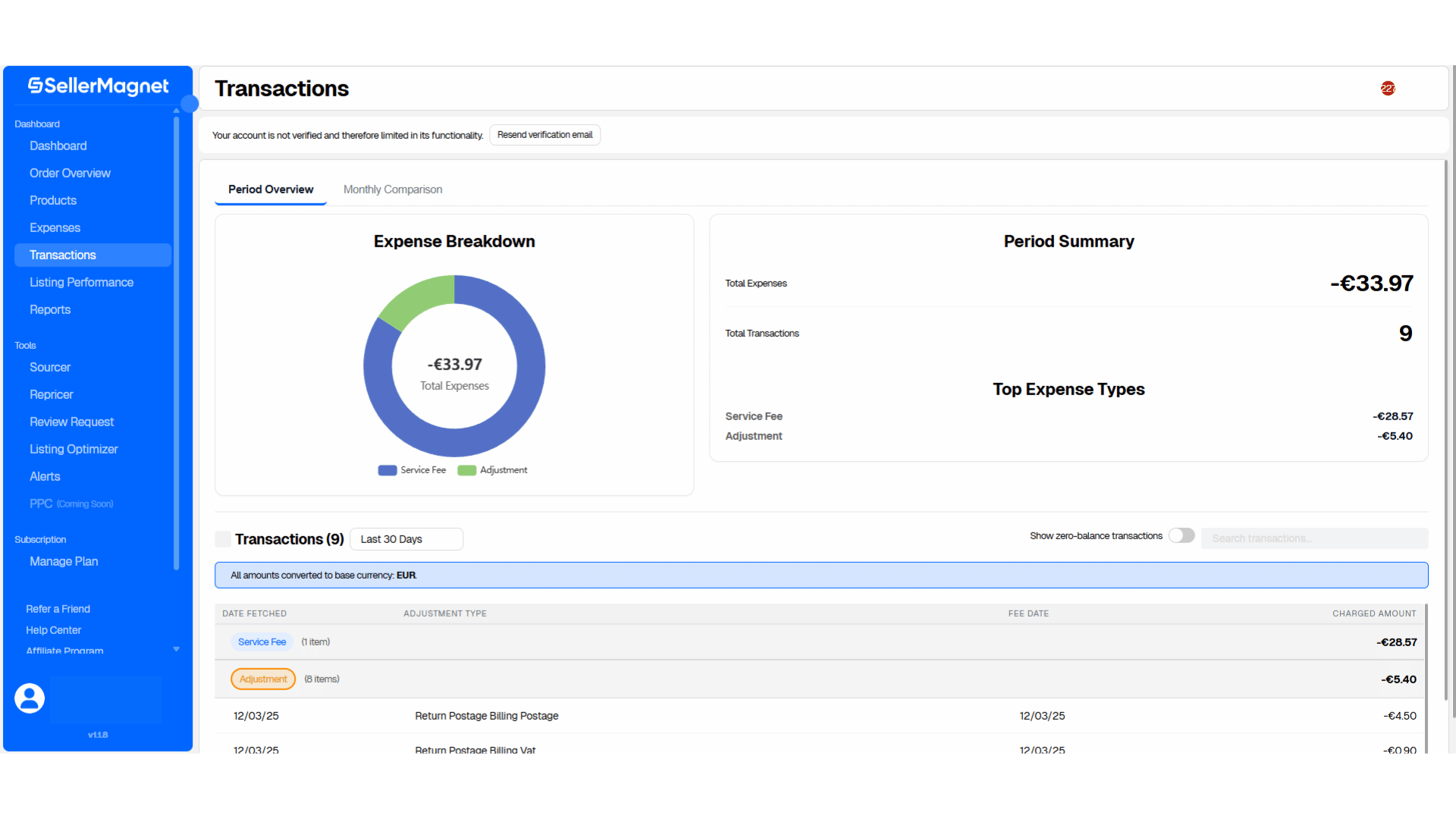
- Payments → Transaction View: filter Chargeback refund to list entries; drill into Transaction Details for order-level movements and related adjustments. Use the search bar for Order ID or date ranges.
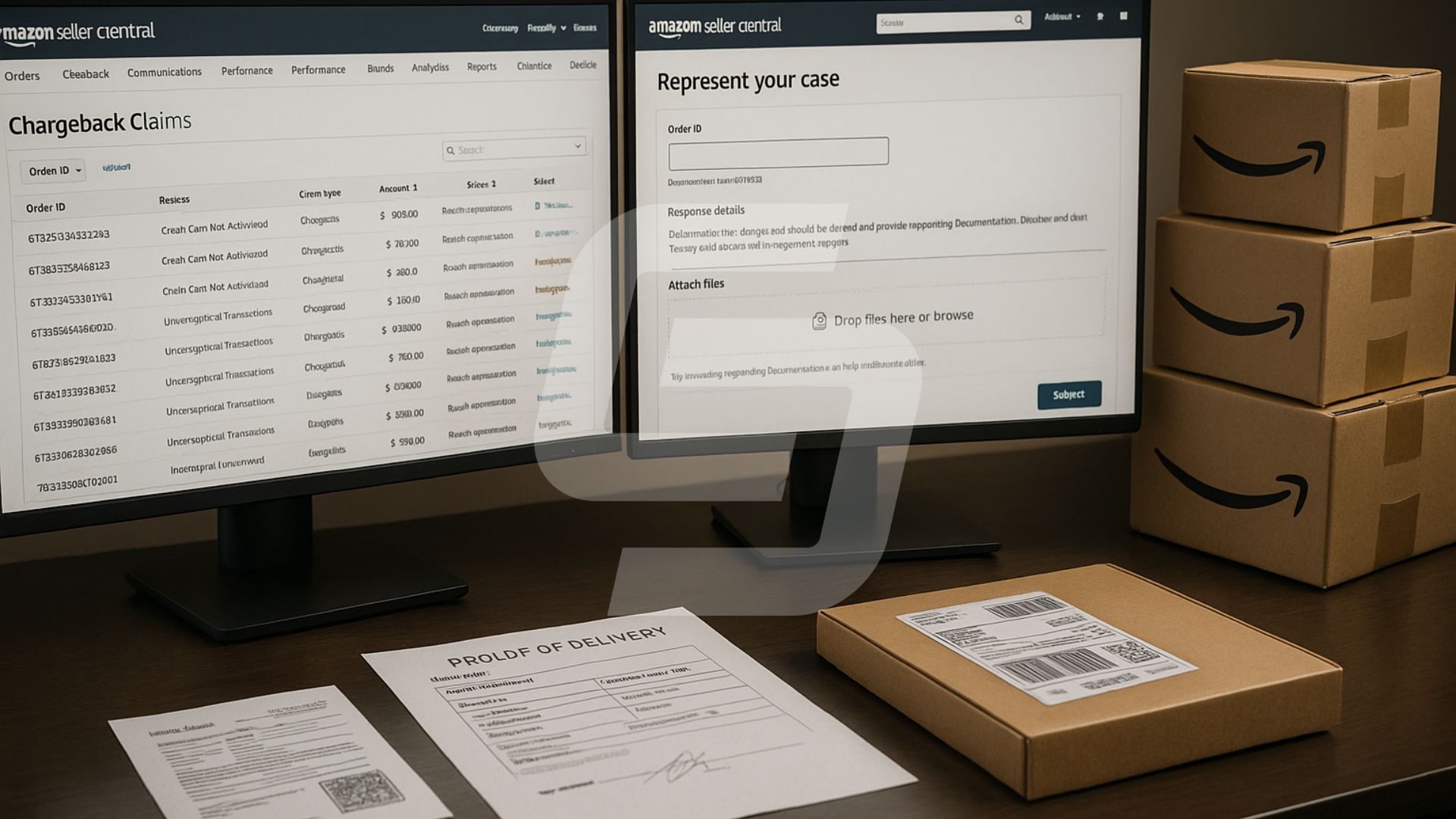
- Performance → Chargeback Claims: the case list for service-related disputes, deadlines, and documentation requests. Here you track status, respond, and upload evidence packages.
How to respond: evidence, timelines, avoidable mistakes
- Issue a refund (Manage Returns) when evidence is weak or the service error is clear. Fast refunds can reduce repeat contacts and negative feedback.
- Represent your case with proof the transaction is valid. Submit via Amazon’s tool: Represent your case. Keep the narrative factual and structured.
Evidence checklist by scenario
- Not received: carrier tracking showing delivery, shipment date, service level, scans, and signature for high-value items. If delivery is to a reception/locker, add location notes.
- Not as described / defective: images of item as shipped, SKU/IMEI where relevant, PDP screenshots proving feature claims, what’s-in-the-box list, QC logs, and any troubleshooting offered.
- Duplicate / amount error: transaction IDs, prior credits, invoice snapshots, reconciliation notes.
- Return but no refund: return receipt, warehouse intake timestamps, refund timing policy, and processing screenshot.
Avoid these mistakes
- Responding late or with missing attachments.
- Ambiguous PDP content that contradicts what shipped.
- No trackable shipping on higher-value orders or mismatched addresses.
- Long narratives without dates, IDs, or proofs the bank can verify.
Prevention playbook: PDP clarity, shipping, customer care
Advanced playbooks: reason codes, timelines, root-cause review
6.1 Bank reason codes and recommended evidence
| Reason bucket | Examples the bank sees | What strengthens your case |
|---|---|---|
| Fraud / not recognized | Cardholder claims they didn’t make the purchase | AVS match, CVV match (if available), IP/region consistency, prior order history, delivery address match to cardholder, signature for high value |
| Not received / late | No delivery or late delivery | Carrier scans, delivered status, signature, GPS or locker info, on-time ship date, customer comms confirming receipt |
| Not as described / defective | Item different, missing parts, DOA | PDP screenshots, packaging photos, serial/IMEI, QC records, what’s in the box list, RMA/troubleshooting logs |
| Billing issues | Duplicate charge or wrong amount | Payment logs, refund IDs, invoices, reconciliation notes, credit memos |
| Refund not processed | Return sent but no refund | Warehouse intake scans, refund timestamp, customer notification, bank processing times |
6.2 Seven-day response timeline (service-related)
- Day 0–1: Acknowledge the alert; open a case in your internal tracker; pull order, PDP and shipment data; start evidence folder.
- Day 1–3: Gather delivery proofs, buyer comms, QC photos; draft a one-page summary with dates and references; verify refund status.
- Day 3–5: Upload to Represent your case; double-check attachments render correctly; keep narrative under one page with bullet references to exhibits.
- Day 5–7: If evidence is weak, consider a seller-initiated refund to reduce further impact. Otherwise, monitor the case and be ready to supply additional documents.
6.3 Root-cause review after resolution
- PDP clarity: did images, bullets, and size charts match what shipped?
- Logistics: was the ship date on time? was tracking visible? any address mismatches?
- Customer care: did the buyer reach you? how long to first response?
- Returns: was the refund issued within your SLA once the item arrived?
- Pattern: are certain SKUs or carriers over-indexed in disputes? Fix the few causes that generate most issues.
FAQ (seller-POV, quick answers)
Chargeback vs refund: what’s the difference?
How long do Amazon chargebacks take?
Do fraud-related chargebacks hurt my ODR?
Where do I check health and thresholds?
How do I dispute a chargeback?
Can I prevent chargebacks without giving more refunds?
Recap & next steps
- Distinguish fraud vs service disputes; watch ODR < 1%.
- Centralize proofs so you can respond within 7 days.
- Fix PDP clarity, logistics, and refunds to prevent repeats.
- Operate from order-level truth with the SellerMagnet Analytics Dashboard: https://sellermagnet.com/en/analytics-dashboard
Stop Juggling Tools. SellerMagnet Combines Everything You Need.
Join a smarter way to manage your Amazon store.

Recommended Articles
Supply Chain by Amazon: Three Dates Decide Your Q4
Supply Chain by Amazon bundles nine services, but only one of them changes what Q4 costs. AWD carries three deadlines inside the next three weeks.
Renewed Premium Costs You a 365-Day Return Window
Amazon's four Renewed grades read like a quality ladder. On the published table Premium and Excellent have identical cosmetics, and only one quadruples the return period.
Eleven A-to-z Claims Amazon Grants Without Investigating
Amazon’s own page lists eleven situations where an A-to-z claim is granted automatically, and after 30 days the ODR damage cannot be reversed.
Pan-European FBA Now Needs a Netherlands Offer
Since 3 September 2026 every Pan-European FBA product needs an active Netherlands offer, and Belgium follows in February 2027. Neither can hold your placement minimum.
Selling on Amazon Haul Means Giving Up Your Brand Name
Amazon Haul is invite-only, capped at $20, and every product must be listed under the brand name Generic. What that actually means for a catalogue.
The DPP Registry Is Live. Almost Nothing Is Due Yet
The EU Digital Product Passport registry opened on 20 July 2026. No ESPR product needs a passport yet, and the one real deadline is narrower than the guides say.