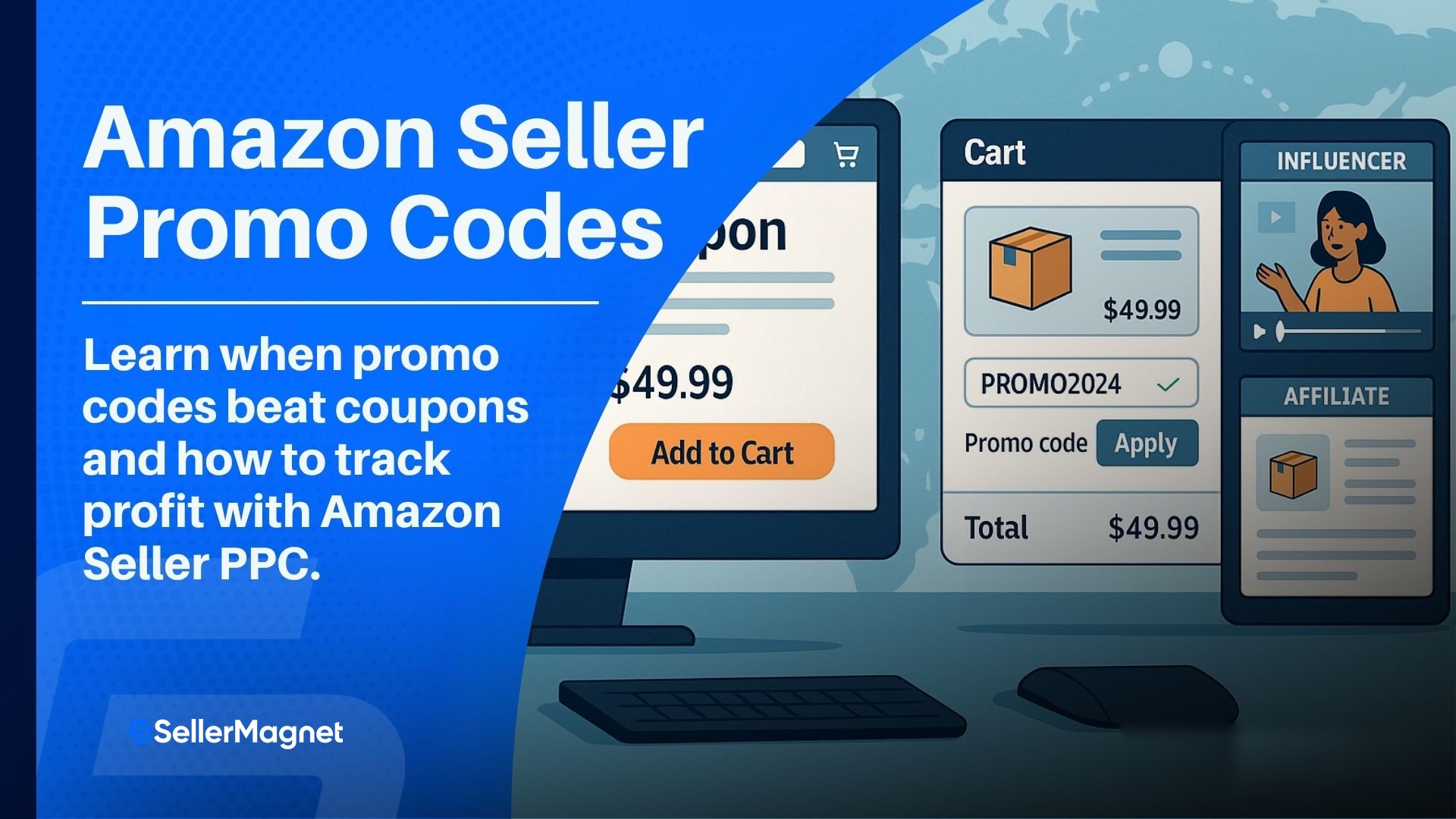
Amazon Seller Promo Codes: A Profitable How To
Table of Contents
- What a promo code is and how it differs from coupons or deals
- When to use promo codes; objectives and scenarios
- How to create promo codes step by step in Seller Central
- Distribution playbook; Influencers; Associates; and owned channels
- PPC integration; measurement; and guardrails
What a promo code is and how it differs from coupons or deals
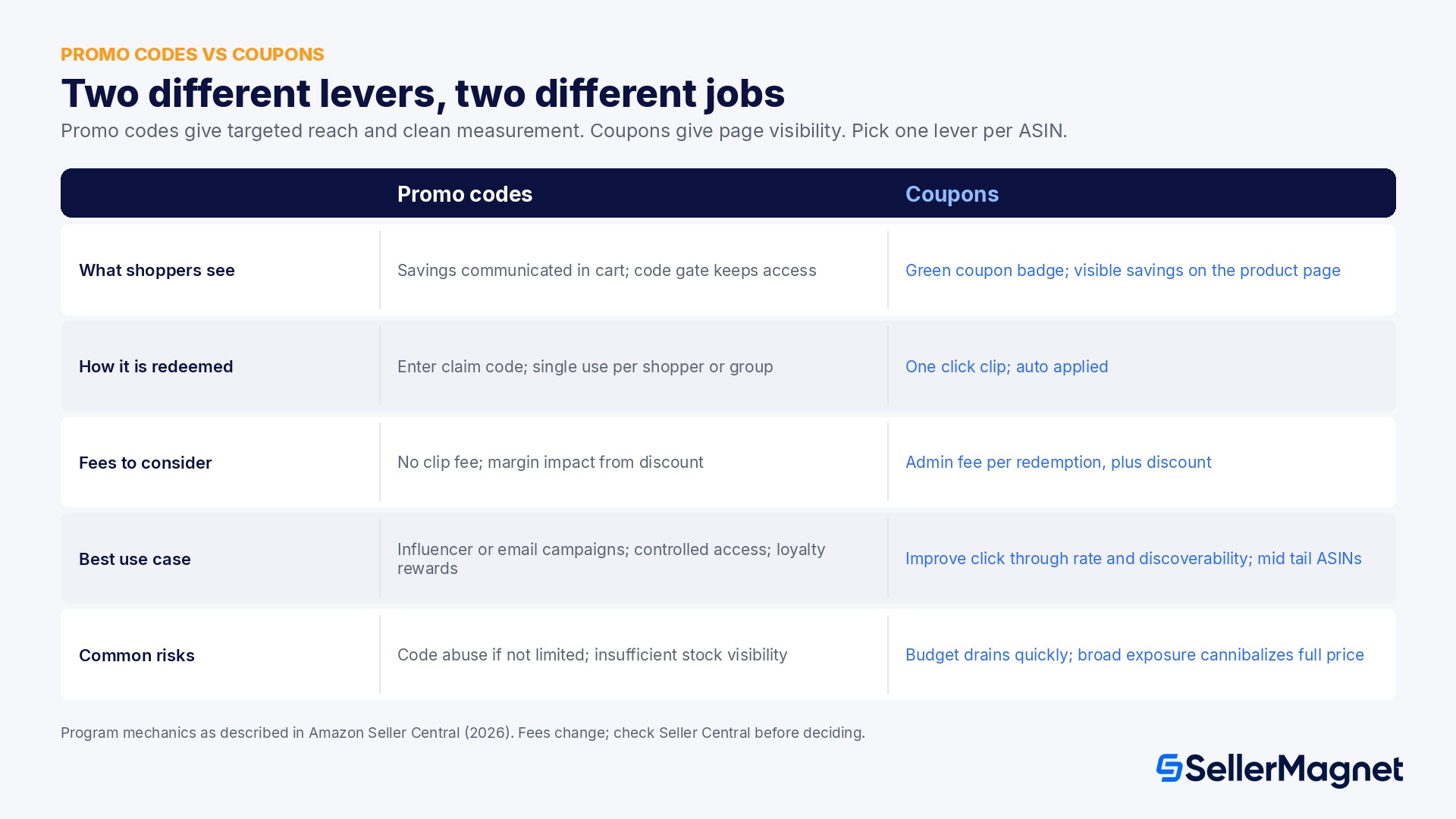
Promo levers compared
| Program | What shoppers see | How it is redeemed | Fees to consider | Best use case | Common risks |
|---|---|---|---|---|---|
| Promo codes (percentage off or buy one get one free) | Savings communicated in cart; code gate keeps access | Enter claim code; single use per shopper or group | No clip fee; margin impact from discount | Influencer or email campaigns; controlled access to discounts; loyalty rewards | Code abuse if not limited; insufficient stock visibility |
| Coupons | Green coupon badge; visible savings on the product page | One click clip; auto applied | Admin fee per redemption; plus discount; see coupon and deal fees 2025 | Improve click through rate and discoverability; mid tail ASINs | Budget drains quickly; broad exposure cannibalizes full price |
| Lightning or Best Deals | Event merchandising; time bound urgency | Auto applied during window | Deal slot fee; plus discount | Deep inventory on hero ASINs; seasonal pushes | Fee plus discount crushes margin; limited control on timing |
| Price Discounts | Strikethrough on page for a set period | Auto applied | None beyond the lower price | Price testing; short tactical plays | Perceived devaluation; price matching from competitors |
When to use promo codes; objectives and scenarios
- Channel specific pushes: you can give a code to a creator; a newsletter; or a private community. Group codes make distribution easy; single use codes protect against leaks. Pair with a clean UTM plan on any off Amazon links for directional traffic insight.
- Retention and loyalty: send a single use code to repeat buyers after delivery. Combine with a request for a product review; higher review velocity improves ad efficiency and organic rank over time. Automate the post purchase touch; then track the result inside the SellerMagnet Analytics Dashboard to see order level P and L with ad costs included: analytics dashboard.
- New product seeding: early adopters respond to selective access. A modest percentage off with a code; plus airtight detail page content; can kickstart conversions faster than a broad coupon.
How to create promo codes step by step in Seller Central
- Open Promotions; navigate to Advertising; choose Manage Promotions.
- Select promotion type: Percentage Off or Buy One Get One Free.
- Define conditions: item list; minimum quantity or order value; benefit percentage or free item quantity.
- Create the claim code: choose Single Use for unique one time codes per shopper; or Group for one shared code with optional one use per customer.
- Set schedule and limits: start; end; budget caps if applicable; tracking ID.
- Preview and submit: verify the benefit in the checkout preview; save; then submit for review.
- Monitor status: use Manage Your Promotions to check start and end; orders; and code usage.
Distribution playbook; Influencers; Associates; and owned channels
A. Creator and affiliate amplification
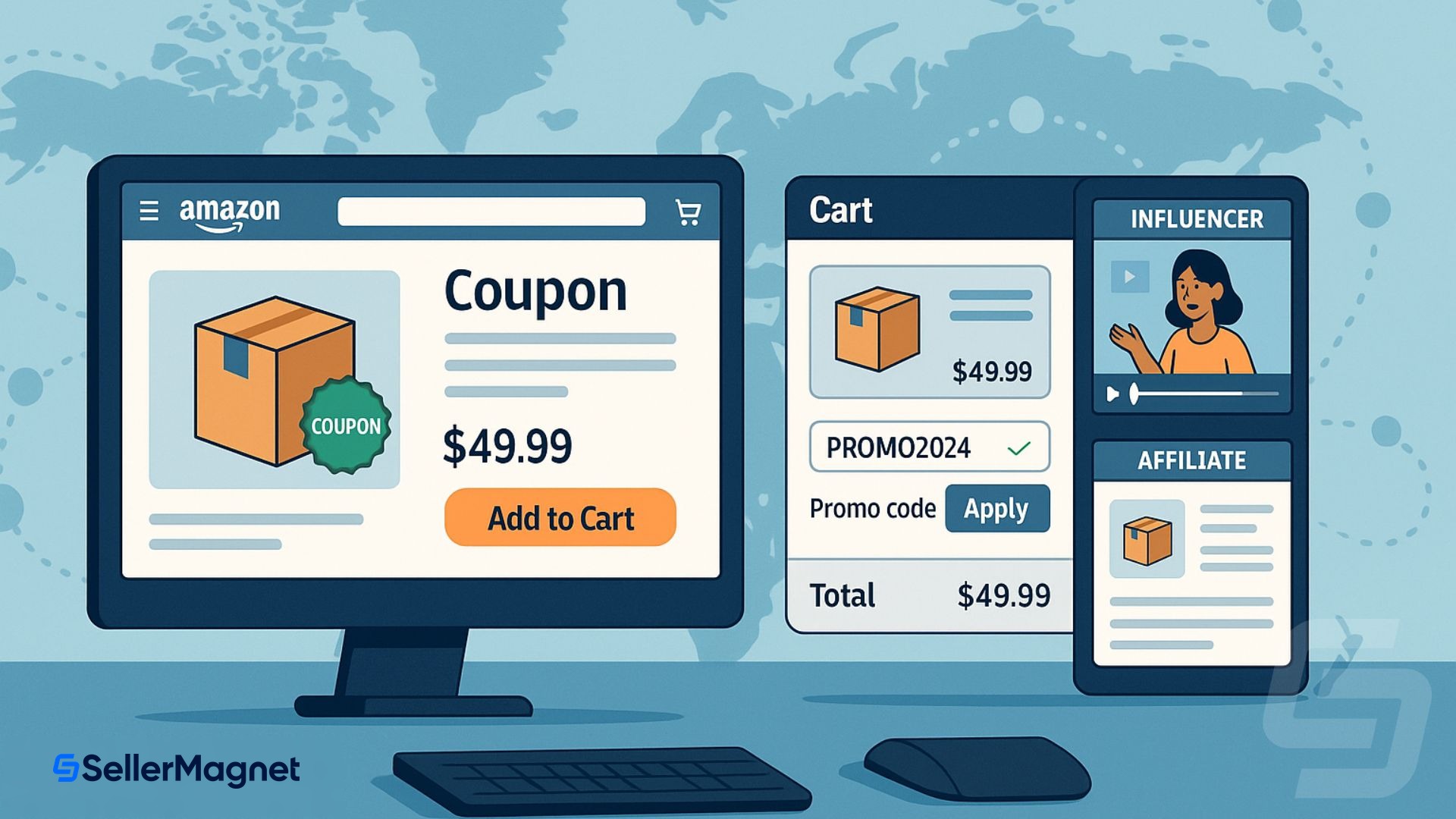
- Amazon Influencers: creators run storefronts and live streams; a code gives them a trackable incentive to push your ASINs. Learn the program details here; Amazon Influencers.
- Amazon Associates: publishers and bloggers link to your products with affiliate tags; pair the link with a group claim code for a clean shopper experience; Amazon Associates.
B. Owned channels that compound
- Email and SMS: segment by recency and product interest; send single use codes to protect margin; expire them quickly.
- Social: pin the code in a product reel; stories; or community group.
- On page messaging: include an unobtrusive line in A plus content for registered shoppers; where appropriate.
PPC integration; measurement; and guardrails
A. Campaign structure
- Sponsored Products for harvest: exact and phrase on high intent terms.
- Sponsored Brands for story: lead with problem; show solution; end with a clear call to action; align headline with the code theme.
- Sponsored Display for remarketing: views and purchases remarketing recapture browsers who did not convert; see Amazon’s retargeting guide.
B. Measurement stack
- Track code redemptions; orders; and AOV.
- Join ad costs; fees; and refunds at the order level with the SellerMagnet Analytics Dashboard so you can prove true contribution; analytics dashboard.
- When ad driven sales spike; capitalize on the post purchase window by automating review requests; higher review volume lowers ACoS over time; review request tool.
- For deeper PPC tactics; review 10 Amazon PPC advanced strategies and layer them carefully.
C. Guardrails for profitability
- Pre model the campaign with the code applied; include ad CPC; FBA fees; and expected return rate.
- Set stop losses on low converting queries; move them to observation; protect TACOS during tests.
- Keep code windows short; two to seven days works for most categories; then re evaluate.
Mini decision table; which lever fits your objective
| Objective | Best lever first | Why it fits | Backup lever |
|---|---|---|---|
| Activate an influencer push | Promo code; group or single use | Clean redemption; easy to share; capped risk | Coupon for extra on page visibility |
| Lift click through rate on mid tail terms | Coupon | Badge improves browse visibility; no friction | Promo code for gated communities |
| Drive urgency during a seasonal window | Deal | Event placement and timer increase momentum | Promo code for loyalty segment follow up |
| Protect margin on a premium ASIN | Single use promo codes | Tight control; no coupon clip fees | Price discount for limited time testing |
FAQ
What is an Amazon promo code for sellers?
How do promo codes differ from coupons?
When should I prefer a promo code over a coupon?
- Use promo codes for channel-specific pushes (influencers, email, private communities) or loyalty rewards.
- Use coupons when you need on-page visibility and higher click-through rate (CTR).
Can I track promo code performance?
What are best practices to prevent code abuse?
- Prefer single-use codes for large pushes.
- Limit group codes to one redemption per customer.
- Keep windows short (2 to 7 days).
- Avoid public posting where coupon sites can scrape the code.
How do Influencers or Associates fit in?
- Amazon Influencers: https://affiliate-program.amazon.com/influencers
- Amazon Associates: https://affiliate-program.amazon.com/
Final Thoughts
Stop Juggling Tools. SellerMagnet Combines Everything You Need.
Join a smarter way to manage your Amazon store.

Recommended Articles
Got a Design Patent Infringement Claim on Amazon? What to Do Next
A design patent claim on Amazon is about appearance, not function. Who can file it, the patent checks to run first, the reply Amazon asks for and how to write it.
Amazon IPI Score 2026: What It Is, Why It Dropped, and How to Fix It
What the Amazon IPI score actually measures, why FBA capacity limits no longer use one fixed threshold in 2026, and the exact fix for each of the four categories that move it.
Amazon PPC Automation and AI Bidding in 2026
Amazon's dynamic, fixed and rule-based Sponsored Products bidding explained with Amazon's own numbers, a worked bid example, and where an AI Optimizer like SellerMagnet's PPC Manager (beta) adds account-level automation.
How to Reduce Amazon FBA Fees: Size Tiers, Weight, Storage
Amazon bills FBA fees on size tier, dimensional weight, inbound split and storage days, not your product. The 2026 thresholds and a worked packaging example.
Amazon Quick for Sellers: Can and Can't It See?
Amazon's own Seller Central announcement on Amazon Quick and the Selling Partner plugin: what it can tell a connected seller, and what still needs Seller Central.
Amazon Brand Registry 2026: Requirements and Cost
Amazon Brand Registry requirements, real trademark cost in USD and EUR, the enrollment steps, what changes once you are in, and a worked example of the payback.
